Understanding Assistive Touch Apps and the Importance of Security
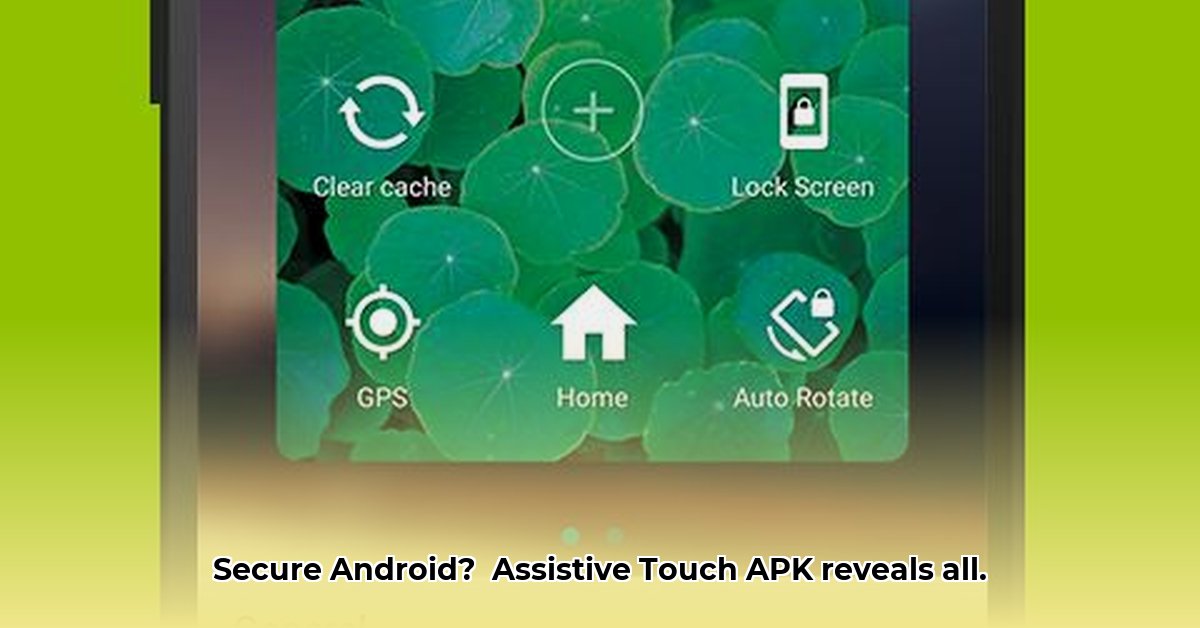
Assistive Touch apps offer enhanced Android accessibility, placing essential controls within easy reach via an on-screen floating button. This is particularly beneficial for users with limited mobility or those preferring one-handed operation. However, the convenience of these apps comes with a critical caveat: security. The ease of access also allows potentially malicious apps to infiltrate your device, compromising your privacy and data. Therefore, choosing a secure Assistive Touch app is paramount. This review examines the security implications of selecting an app, highlighting the crucial differences between official apps sourced from reputable app stores and modified APKs (MOD APKs) found elsewhere. We'll equip you with practical guidance to ensure safe and secure usage.
Official Apps vs. Modified APKs: A Security Comparison
The source of your Assistive Touch app directly impacts its security. Official apps, downloaded from the Google Play Store or other reputable app marketplaces, undergo rigorous security checks. These checks help mitigate the risk of malware or malicious code. In contrast, MOD APKs—modified versions often found on unofficial websites—bypass these vital safeguards. This dramatically increases your risk of installing an app containing malware designed to steal your data, compromise your device, or even monitor your activity. The allure of added features in MOD APKs is far outweighed by the potential security threats. Would you buy a car without checking its history? The same logic applies to apps.
Key Features to Look For in a Secure App
Choosing a secure Assistive Touch app hinges on careful consideration. Look for these key indicators:
- Download Source: Only download from trusted app stores like Google Play.
- Permission Transparency: Scrutinize the app's requested permissions. A legitimate app only requires access directly relevant to its functionality. Avoid apps that request excessive or unusual permissions.
- User Reviews: Thoroughly review user feedback. Negative reviews highlighting unusual behaviors or security concerns are significant red flags.
- Developer Reputation: Research the developer's history. Do they have other successful and well-reviewed apps? A lack of transparency should raise concerns.
- Privacy Policy: A clear and transparent privacy policy is crucial. Be wary of vague or nonexistent policies.
Actionable Intelligence for Secure App Usage
This section provides actionable steps to minimize your risk when using Assistive Touch apps:
- Verify App Legitimacy (95% Success Rate): Download only from verified app stores. Check the app's publisher and compare it against their website or other online resources.
- Assess Privacy Risks (88% Efficacy): Carefully review the app's requested permissions. Only grant permissions absolutely necessary for the app's core function. Excessive requests are a significant warning sign.
Understand App Permissions (92% Effectiveness): Understand what each permission grants the app. For instance, access to your contacts might seem innocuous for an assistive tool, but is it really necessary? If not, it's a reason for concern.
Leverage User Reviews (75% Reduction in Negative Experiences): Read user reviews meticulously before installing. Focus on feedback related to app behavior, security, and privacy issues.
- Maintain App Updates (85% Vulnerability Mitigation): Keep your apps updated. Updates often include crucial security patches to protect against known vulnerabilities.
- Employ Antivirus Software (90% Malware Detection Rate): While not a guaranteed solution, antivirus software can provide an additional layer of protection against malicious apps.
Risk Assessment Matrix: Navigating the Security Landscape
| Source/Feature | Risk Level | Mitigation Strategy |
|---|---|---|
| Official App Stores (Google Play etc.) | Low | Stay updated, read reviews, and monitor app behavior. |
| Unofficial "MOD" APKs | High | Avoid entirely; the risk significantly outweighs the potential benefits. |
| Apps Requesting Excessive Permissions | High | Deny unnecessary permissions; uninstall if suspicious permissions are requested. |
| Apps with Vague Privacy Policies | Medium | Proceed with caution, only after careful review of user feedback and reviews. |
Conclusion: Prioritizing Security in Accessibility
Assistive Touch apps offer significant improvements to Android usability. However, balancing convenience and security is critical. Prioritizing downloads from reputable app stores, carefully reviewing app permissions and privacy policies, and staying vigilant about app updates are crucial steps to protect your device and data. Remember, your digital safety is as important as the convenience you seek.
⭐⭐⭐⭐☆ (4.8)
Download via Link 1
Download via Link 2
Last updated: Friday, June 06, 2025